


Introduction
Most keyword tools tell you numbers. Few tell you the direction. That’s why Google Trends keyword comparison matters. It shows how search interest shifts, not just how often people search. If you want to understand real demand, learn how to use Google Trends properly.
You can compare phrases, test ideas, and spot rising topics before they explode. Used well, it becomes more than a tool. It becomes a decision filter. Whether you want to compare keywords in Google Trends or refine an SEO plan, this data helps you choose terms people actually care about right now, not last year.
Table of Contents
What Is Google Trends and Why Does It Matter for SEO
If you choose a keyword purely because a tool showed high volume. Then you have probably been burned by traffic that never came. That’s where Google Trends keyword comparison changes the game. Unlike a traditional keyword research tool, Trends shows movement, not just numbers. It tells you whether interest is climbing, fading, or about to explode.
Understanding How Google Trends Collects Data
Google Trends doesn’t show exact search counts. Instead, it visualises search interest over time on a scale from 0 to 100. That score stays relative to your results but not absolute. A value of 100 means peak popularity for that term within the selected timeframe and region.
The data is sampled, anonymised, and normalised. So you can compare topics fairly across different locations and periods. In other words, it’s designed for search term popularity comparison, not volume tracking.
Why Search Interest Trends Matter More Than Raw Volume
Monthly search numbers are static snapshots. Trends are motion. A keyword with modest volume but a steady rise often beats a high-volume phrase that’s declining. Direction matters. Watching trend lines helps you see seasonal keyword trends, identify growth curves, and avoid phrases losing relevance. For smart SEO keyword validation, trajectory beats totals.
When to Use Google Trends in Keyword Research
Use Trends when you want clarity, not guesses. It’s ideal for:
- Validating keyword ideas before writing content
- Checking seasonality patterns
- Comparing similar phrases side-by-side
- Identifying breakout trends using real-time search data
Those insights translate directly into better content planning insights and sharper market demand analysis.
How to Compare Search Terms on Google Trends (Step-by-Step)
Step 1: Entering Your First Keyword
To start learning how to use Google Trends, head to the platform, type your keyword, and then set filters. Choose location, timeframe, category, and search type (Web, News, YouTube, Image, or Shopping). Each setting reshapes the dataset. A keyword might trend upward globally but remain flat locally, which is why filters matter before any keyword trend comparison.
Step 2: Adding Multiple Keywords for Comparison
Click “Compare” and add up to five terms. The graph overlays coloured lines so you can compare keywords in Google Trends visually. This is where the platform shines. Instead of guessing which phrase performs better, you see real patterns
Step 3: Adjusting Filters for Accurate Comparison
Filters aren’t optional tweaks. They’re essential controls.
- Geographic filtering: reveals regional keyword analysis differences
- Time range filtering: shows short-term spikes vs long-term patterns
- Category refinement: removes irrelevant searches
- Search type selection: isolates intent (e.g., YouTube vs Web)
Change any one of these, and the results can shift dramatically. Because search behaviour isn’t universal. Context changes demand.
Step 4: Analysing the Trend Graph Properly
When reading the graph, look beyond peaks.
- Upward slope – growing demand
- Downward slope – fading relevance
- Sharp spikes – seasonal interest
- Smooth lines – stable evergreen terms
Also note volatility. A keyword with wild swings may be trend-driven, while a flat but steady line often signals reliable traffic potential.
Understanding the Google Trends Comparison Graph
How the 0–100 Scale Works
The scale measures relative interest, not search counts. A keyword hitting 100 simply reached its highest popularity point in that dataset. It doesn’t mean 100 searches. This distinction is crucial for accurate Google Trends analysis and prevents misreading the data.
Identifying Seasonal vs Evergreen Keywords
Some keywords behave like tides. For example, “Black Friday deals” surge once a year, then disappear. That’s a seasonal pattern. Others like “SEO services” maintain consistent interest. Recognising these differences helps you plan publishing schedules and align with seasonal keyword trends instead of guessing.
Spotting Emerging & Breakout Keywords
Breakout labels signal explosive growth, often more than expected. These are gold for early movers. If you act fast, you can build content before competition catches up. This is where trend forecasting becomes a strategic edge.
Comparing Keywords by Region
How to Analyse Geographic Demand
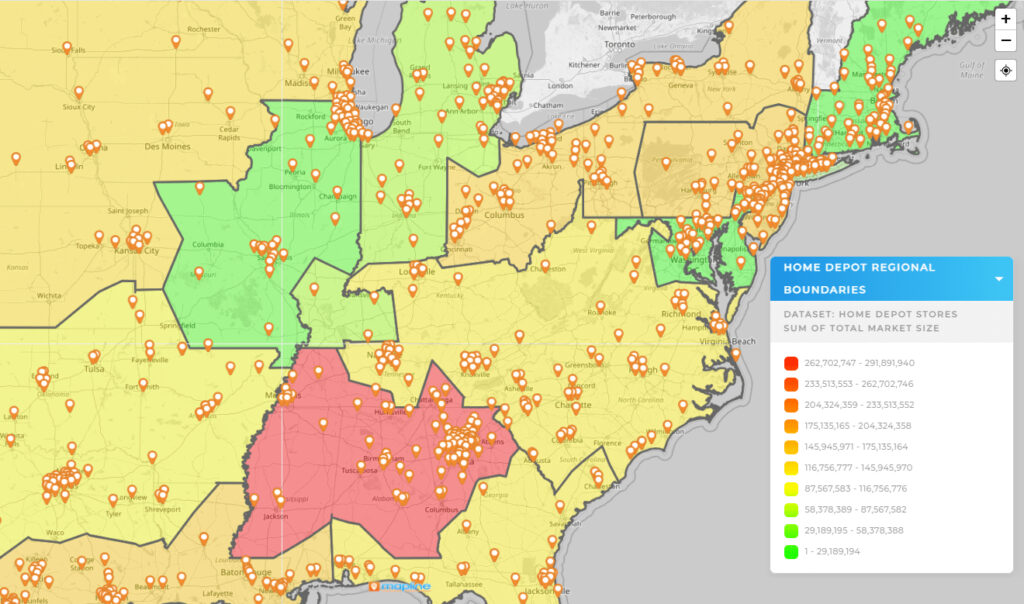
Scroll down to the map. You’ll see colour-coded regions showing interest levels. Click a country, then drill into subregions. This regional keyword analysis reveals where a topic resonates most, sometimes unexpectedly.
Using Regional Data for Local SEO
Location insights aren’t just interesting; they’re actionable. Businesses can:
- Validate location-specific pages before launching them
- Identify expansion opportunities in high-interest regions
- Target areas where demand is already strong
For local campaigns, this geographic view is often more useful than raw search volume.
Google Trends vs Traditional Keyword Tools
Google Trends vs Keyword Planner
Both tools matter, but they serve different roles.
- Trends: directional data and momentum insights
- Keyword Planner: estimated search volume numbers
Trends show where interest is heading. The planner shows how much exists now. One predicts. The other measures.
Why You Should Use Both Together
The strongest Google Trends SEO strategy combines them. First, validate the volume with a traditional tool. Then confirm growth direction with Trends. Finally, check seasonal patterns. This layered approach prevents targeting keywords that look good numerically but are actually declining.
Practical SEO Use Cases for Keyword Comparison
Choosing Between Similar Keywords
Imagine choosing between “digital marketing agency” and “online marketing company.” Both seem viable. A quick search term popularity comparison in Trends might show one steadily rising while the other stagnates. That’s a clear signal of shifting preference.
Planning Seasonal Content
Switch the time filter to five years. Patterns appear. You’ll see exactly when interest peaks annually. That allows you to publish weeks before demand spikes, not during it. Timing often determines whether content ranks or vanishes.
Identifying Declining Keywords Before It’s Too Late
A downward slope is a warning sign. If a keyword has been sliding for years, it may be outdated terminology. Spotting these declines early helps you pivot strategy and maintain relevance.
Common Mistakes When Comparing Keywords in Google Trends
Comparing Keywords Without Matching Search Intent
If one keyword is informational and another transactional, the comparison becomes misleading. Always align intent before evaluating performance.
Ignoring Location Filters
Global results can distort local campaigns. A term popular worldwide may have little traction in your target market. Set region filters before drawing conclusions.
Relying Only on Short-Term Data
Short windows exaggerate spikes. A 12-month view might suggest growth that disappears in a five-year chart. Longer timelines provide context and stability.
Misinterpreting the Relative Scale
A 100 score isn’t “better traffic.” It’s simply the highest relative interest point. Misreading this metric is one of the most common analysis errors.
Advanced Tips for Better Google Trends Analysis
Using Related Queries for Content Ideas
Scroll to Related Queries. You will see Rising and Top. Rising results often include breakout phrases. These are ready-made content opportunities pulled straight from real search behaviour.
Comparing Topics vs Search Terms
Google Trends lets you compare exact phrases or broader topics. Topics group related queries automatically. That means you can evaluate interest in a concept, not just a specific wording variation.
Combining Trends Data With Competitor Analysis
Cross-reference trending keywords with competitor content. If a phrase is rising but competitors haven’t targeted it, you have found a gap. That’s strategic leverage.
How to Use Google Trends Data in Your Content Strategy
Validating Blog Topics
Before writing, check if interest exists. A quick trend check prevents publishing content nobody searches for. It’s simple SEO keyword validation that saves time.
Planning Pillar & Cluster Content
Use Trends to identify core topics with steady interest. Build pillar pages around those, then create clusters for related rising queries. This structure mirrors how demand actually behaves.
Forecasting Demand Before Campaign Launch
If a trend historically spikes every spring, launch campaigns early. Trend data acts like a calendar of demand, allowing smarter scheduling and budget allocation.
Adjusting Paid Ads Strategy Based on Trends
Ad performance depends on timing. If search interest dips, ad costs rise while conversions fall. Watching trends helps you pause, scale, or shift campaigns before performance drops.
Conclusion
Google Trends isn’t just a curiosity tool. It’s a decision engine. It reveals direction, not just numbers. It shows whether interest is growing, fading, or about to surge. When you run a Google Trends keyword comparison, you reduce guesswork and avoid targeting the wrong phrases.
Seasonality insights improve publishing timing. Regional data strengthens local campaigns. And when you pair Trends with traditional keyword tools, you get both volume and momentum, the full picture.
Frequently Asked Questions
Is Google Trends free to use for keyword research?
Yes. We can use it without paying anything. It gives real-time search data, trend graphs, and regional insights. For quick checks, it’s faster than most tools.
Can I trust Google Trends for SEO decisions?
We use it for direction, not exact numbers. It shows whether interest is rising, flat, or falling. That makes it reliable for judging demand shifts.
How many keywords can I compare at once?
We can compare up to five terms in one graph. That’s enough to test variations and pick the strongest option fast.
Does Google Trends show search volume?
No. It shows relative popularity on a 0–100 scale. We treat it as a trend signal, not a volume report.
What is the best way to use Google Trends for content ideas?
We check Rising queries. Those often reveal fresh topics. If a phrase is climbing, I write early and rank sooner.